

Focused software for every platform.
VibeNode is an independent UK studio. We design and ship apps, games, and AI features for iPhone, Mac, Windows, Android and the web — from first prototype through to release.
Shipping for iPhone, iPad, Mac, Windows and Android
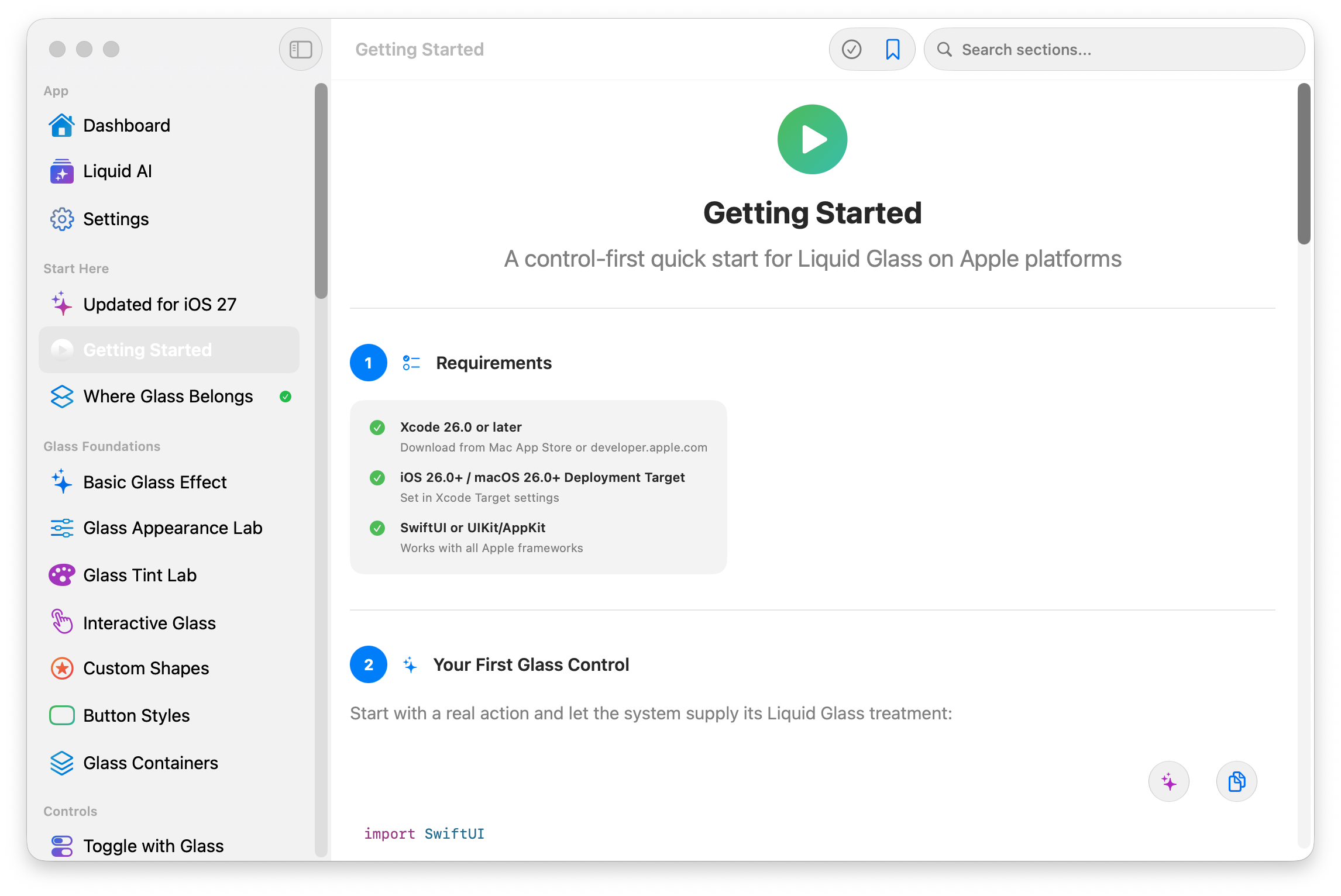

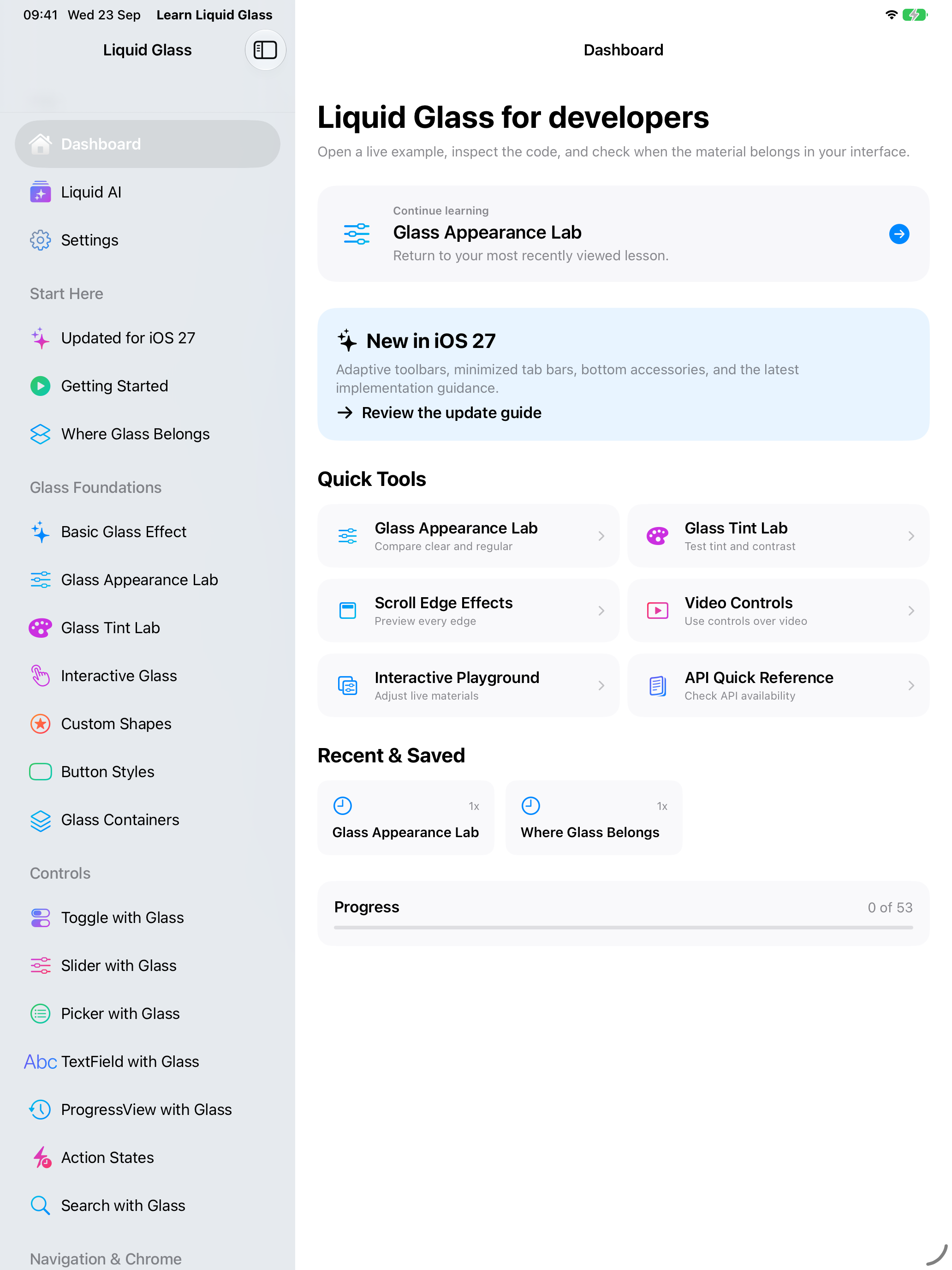
Learn Liquid Glass
Apple’s Liquid Glass, learned by doing. Over 200 working examples you can open, adjust live, and lift the Swift straight out of — on iPhone, iPad, and Mac.


Start here
Every example, one tap away
Open a live example straight away, or follow the guided path from the placement rules onward. Progress and bookmarks stay on your device.
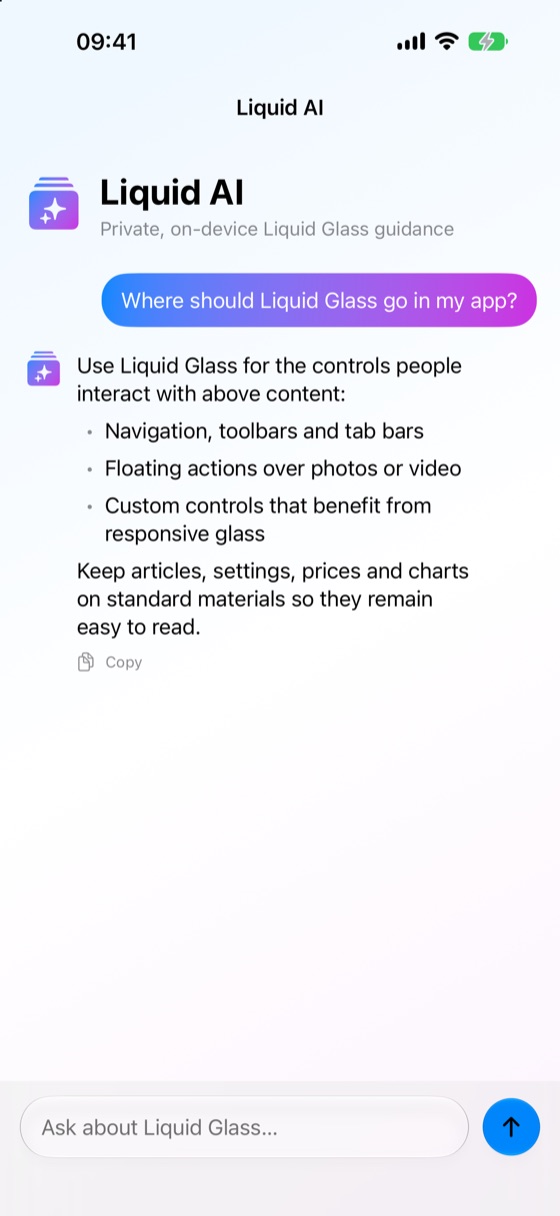
Liquid AI
Ask, and stay private
On-device guidance from Apple Intelligence answers where glass belongs and why. Your questions never leave the device.
Real Swift
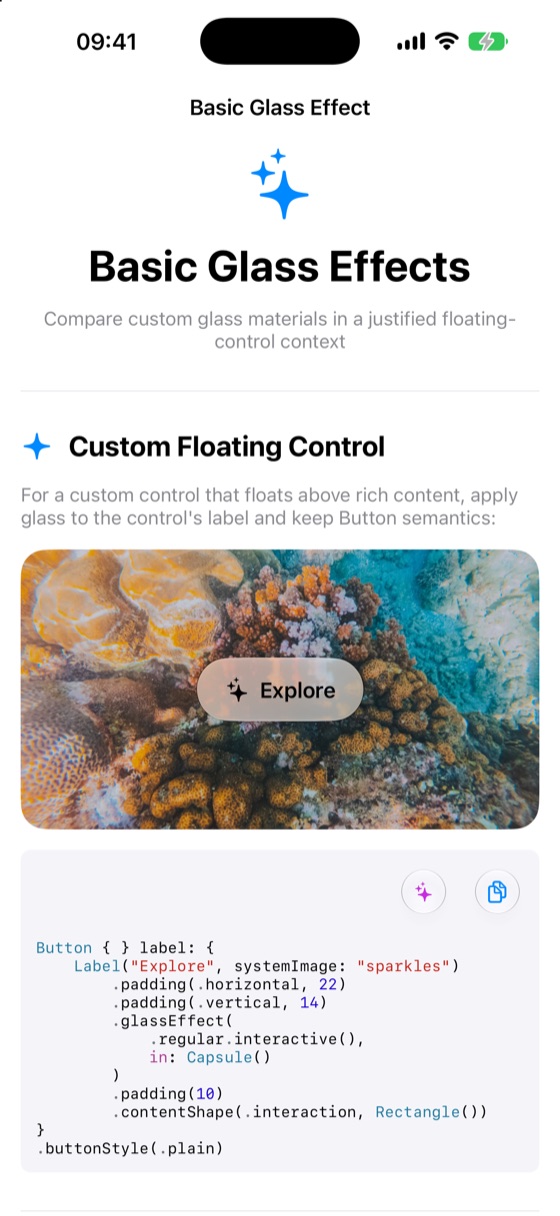
Copy the code, not just the concept
Every example carries the Swift behind it, formatted and ready to paste into your project — glass effects, custom shapes, and controls included.
-
50+ guided lessons
A control-first path through placement, materials, and the rules Apple actually recommends.
-
Live appearance labs
Compare clear and regular glass, tune tint and contrast, and watch scroll edges react as you change them.
-
Kept current
Adaptive toolbars, minimized tab bars, and bottom accessories, updated as the platform moves.
-
Private by design
Progress, bookmarks, and settings stay on your device. No accounts, no tracking.
Roulette Play
Formerly Vroulette. Classic roulette for iPhone and iPad. A full casino table, realistic wheel spins, and your choice of European or American wheel — played with play chips only.
The table
A full table, built for touch
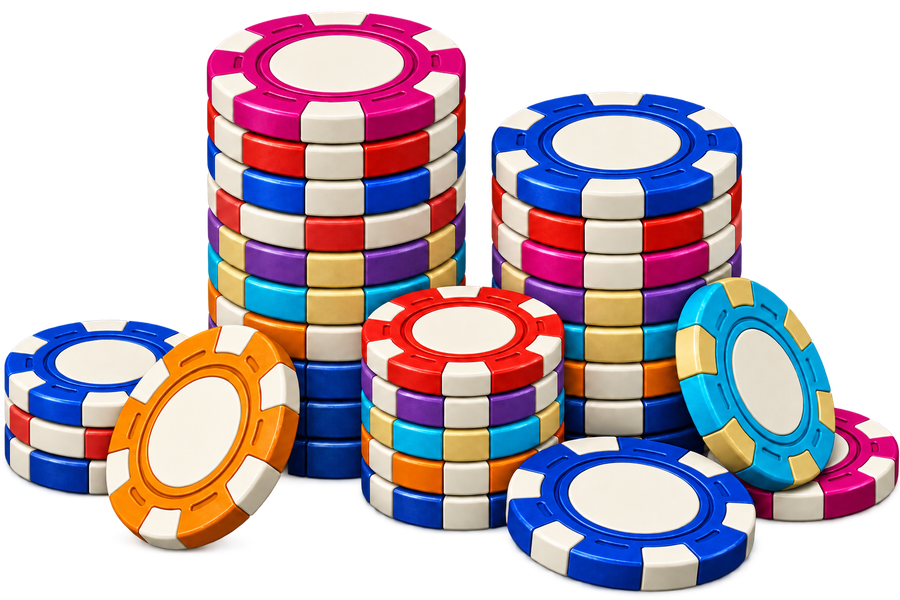
Place chips on numbers, splits, corners, and every outside bet. Announced bets like Voisins and Tiers lay out their chips for you.

Results
Every winning number, celebrated
The wheel sweeps in close for each spin, and the winning number stays marked on the table so you can see exactly what paid.

Customise
Make the table your own
Earn Casino Points as you play, then unlock new table themes and roulette ball finishes to create your perfect setup.

-
European or American
Play the single-zero European wheel or the double-zero American wheel, each with its own table.
-
Free play chips
Top up with free play chips every two hours. Optional chip packs are also available.
-
Make the table yours
Earn Casino Points as you play, then unlock new table themes and roulette ball finishes.
-
Lifetime stats
Track your spins, results, biggest net win, longest streak, favourite number, and favourite bet.
-
Game Center
Bring your Game Center name and profile picture into Roulette Play and find it alongside your other games.
-
Private by design
No accounts, no ads, no tracking. Your balance and settings stay on your device.
Roulette Play is simulated roulette for entertainment, intended for adults aged 18 and over. It uses play chips only: there is no real-money gambling, cash-out, or prizes. Optional chip packs are in-app purchases processed by Apple; play chips have no cash value, can’t be withdrawn or exchanged, and purchases never change the odds.
Work with VibeNode
Have an idea worth building?
We help individuals and small teams shape, design, and launch focused apps, games, AI features, and automations—from the first prototype through to release.
What we build
- iPhone & iPad apps
- Mac apps
- Windows apps
- Android apps
- Chrome extensions
- Web apps & sites
- SwiftUI & native UI
- On-device Apple Intelligence
- AI features & integrations
- Automation workflows
- App Store & Play Store release
- Prototype to launch